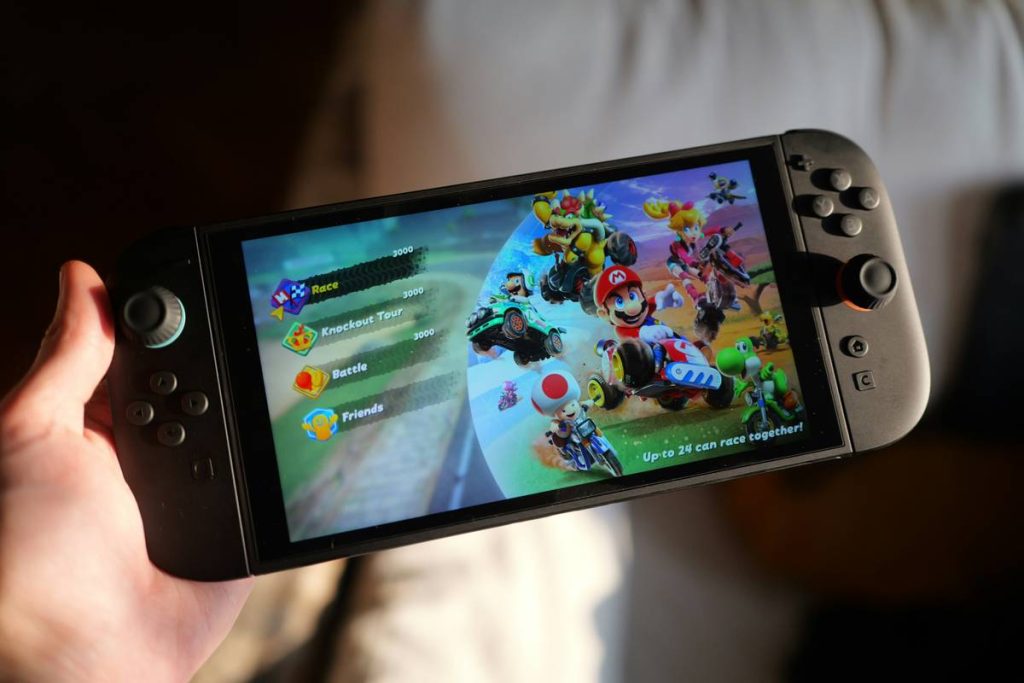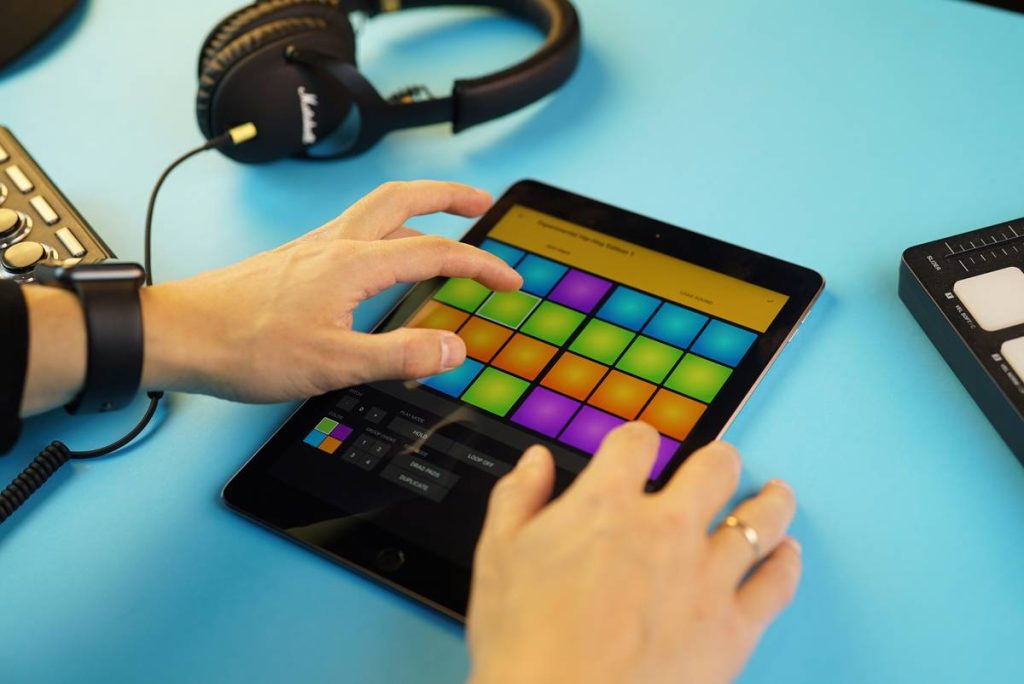
You bought a premium gaming tablet—powerful GPU, buttery display, all the specs. But after three months, you’re scrolling endlessly through app stores, paying $8 here, $15 there, and still stuck with stale gameplay. Fragmented purchases drain both your wallet and your excitement. The solution? Curated, high-value Best tablet game subscriptions that deliver endless premium titles without nickel-and-diming your entertainment.
Why Most Gamers Get Stuck in the Pay-Per-Game Trap
Free-to-play games dominate storefronts—but their “free” label hides aggressive monetization loops. You’re either grinding for weeks or spending to skip ahead. Meanwhile, buying full-price games one by one adds up fast. And unlike consoles or PCs, tablets rarely get bundled discounts or seasonal sales worth mentioning. The math is simple: if you play more than two premium titles a month, à la carte pricing loses hard.
Worse—most subscription services treat tablets like afterthoughts. They license mobile versions optimized for phones, not 10-inch screens with stylus support or desktop-grade processors. You end up with stretched UIs, missing features, or worse—excluded entirely from cross-platform perks.
How to Actually Maximize Tablet Gaming Value
Forget blanket “best of” lists. Real value comes from matching subscription models to how you *actually* play. Do you binge narrative adventures? Rotate between strategy and shooters? Play mostly offline during commutes? Here’s how to align your habits with the right service.
Identify Your Core Play Pattern
If you finish games in under two weeks and crave variety, go for deep libraries with frequent rotations. If you replay favorites for months (think Minecraft or Genshin Impact), prioritize ownership perks or cloud-sync benefits over sheer volume.
Check Tablet-Specific Compatibility
Not all Android or iOS games run well on every tablet. Samsung’s DeX mode, Apple’s Stage Manager, and Amazon’s Fire OS all handle inputs differently. Before subscribing, verify whether the service tests its catalog on large-screen devices—or just ports phone builds lazily.
Evaluate Offline Access & Data Usage
Cloud-based subscriptions (like Xbox Cloud Gaming) sound great—until you’re on a train with spotty LTE. For true portability, favor services offering full local downloads with optional cloud saves.

| Service | Monthly Cost | Tablet-Optimized Titles | Offline Play? | Exclusive Perks |
|---|---|---|---|---|
| Apple Arcade | $6.99 | 200+ (all iPad-tested) | Yes | No ads, no IAPs, full iCloud sync | Netflix Games | Included with $15.49 plan | ~70 (mixed optimization) | Yes | Integrated with watchlist; limited new releases |
| Amazon Luna+ | $9.99 | 100+ (Fire tablet prioritized) | No (cloud-only) | Early access to Amazon-published titles |
| GeForce NOW Priority | $11.99 | Depends on Steam/Epic library | No | Ray tracing on compatible tablets via browser |

The Industry Secret: Publishers Don’t Want You to Know This
Here’s the reality: many “exclusive” tablet games on subscription platforms are actually older PC or console ports rebranded as mobile originals. Developers do this because Apple and Google pay upfront licensing fees—regardless of actual playtime. That’s why some titles vanish after six months: the contract expired, not because players stopped loving them.
But—and this is critical—a few indie studios now build *tablet-first* experiences knowing subscription players spend more time per session than phone users. Look for tags like “Designed for iPad” or “Tablet Enhanced.” Those are your golden tickets. They leverage larger screens for dual-thumb controls, split-screen inventory systems, or even stylus-exclusive mechanics. You won’t find these depth cues in generic roundups.
FAQ
Are tablet game subscriptions worth it if I only play occasionally?
No—if you play less than once a week, buy individual premium titles instead. Subscriptions pay off only with consistent weekly engagement.
Can I share my subscription with family on different tablets?
Yes, Apple Arcade and Amazon Luna support family sharing across 6 devices. Netflix allows profiles but locks games to primary account.
Do these services work on budget Android tablets?
Most do—but performance varies wildly. Stick to devices with at least 4GB RAM and Snapdragon 600-series chips or better for smooth gameplay.