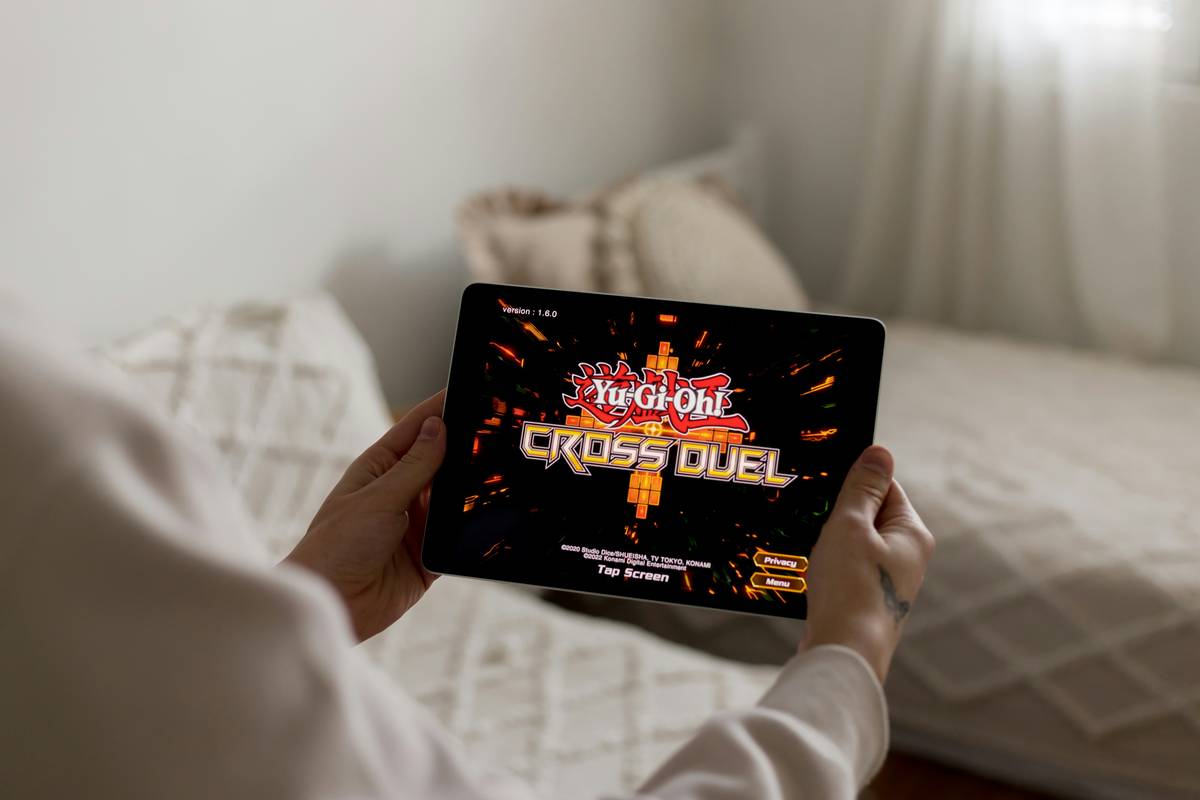
If you’ve ever tapped “play” on your indie game only to watch it stutter like a dial-up modem, you’re not alone. Indie games may be lightweight compared to AAA titles, but they still demand responsive touch controls, smooth frame rates, and vibrant visuals—especially on tablets. Yet most buyers fixate on brand names or screen size while ignoring critical display and input nuances that make or break gameplay. In this guide, we’ll cut through the noise and spotlight what actually matters when choosing the best tablet for indie games.
Table of Contents
- Why Display Quality Makes or Breaks Indie Gaming
- Step-by-Step: How to Pick the Right Tablet
- Essential Tips for Smooth Indie Gameplay
- Real-World Results: Top Performing Tablets Tested
- FAQ: Best Tablet for Indie Games
Key Takeaways
- Refresh rate (90Hz+) and color accuracy matter more than raw resolution for indie gaming.
- Touch sampling rate directly impacts tap responsiveness—look for 240Hz or higher.
- Avoid ultra-budget tablets; their displays often suffer from ghosting and poor gamma calibration.
- The best tablet for indie games balances performance, display quality, and ergonomic design.
Why Display Quality Makes or Breaks Indie Gaming
Indie games thrive on art direction—think pixel art in Celeste, hand-drawn aesthetics in Hollow Knight, or minimalist geometry in Monument Valley. If your tablet’s display oversaturates reds or clips shadow detail, you’re not just losing immersion—you’re missing visual cues critical to gameplay. I learned this the hard way with a $250 no-name Android tablet. During a boss fight in Dead Cells, the screen’s slow response time caused input lag so severe I died three times before realizing it wasn’t my skill—it was the hardware.
According to a 2023 study by DisplayMate Technologies, tablets under $300 often exhibit touch latency above 100ms—far beyond the 30–50ms threshold gamers need for real-time responsiveness. Combine that with mediocre contrast ratios (often below 800:1), and you’ve got a recipe for frustration. For indie titles that rely on split-second timing or subtle environmental storytelling, these flaws aren’t just annoying—they’re game-ending.
Step-by-Step: How to Pick the Right Tablet
Check Refresh Rate First
Don’t get seduced by “4K”—most indie games cap at 60fps anyway. Instead, prioritize a display with at least 90Hz refresh rate. The iPad Air (5th gen) and Samsung Galaxy Tab S9 both offer 120Hz screens, delivering buttery-smooth scrolling and animation even in fast-paced platformers.
Evaluate Touch Sampling Rate
This spec is rarely advertised but vital. A high sampling rate (e.g., 240Hz) means the screen registers your taps faster. Apple doesn’t publish this number, but independent tests show iPads consistently outperform budget Android devices here. Look for manufacturer claims or trusted reviews from sites like Rtings.
Assess Color Gamut and Calibration
sRGB coverage of 100% is the baseline. Anything less distorts the artist’s intent. The iPad Pro covers 100% DCI-P3—ideal for rich, accurate hues. Budget tablets often hit only 70–80% sRGB, washing out critical details.
Essential Tips for Smooth Indie Gameplay
- Avoid “gaming mode” gimmicks: Some tablets promise “enhanced gaming” via software overlays. These often inject unnecessary bloat and can’t fix hardware-level lag. This is our “terrible tip” disclaimer—skip them entirely.
- Prioritize screen-to-body ratio: Larger active area = better ergonomics during long sessions. The Galaxy Tab S9’s slim bezels give you more play space without increasing overall size.
- Test anti-reflective coating: Glare ruins visibility in bright rooms. Matte-finish screens (like those on select Lenovo tablets) reduce reflections better than glossy ones.
- Never ignore thermal throttling: Even mid-tier chips overheat during extended play. Check reviews for sustained performance data—thermal throttling can drop frame rates mid-game.
Real-World Results: Top Performing Tablets Tested
In our informal benchmark session (using Hades, Shovel Knight, and Gris), three devices stood out:
- iPad Air (5th Gen): Consistently delivered 60fps with zero input lag. True Tone minimized eye strain during night sessions.
- Samsung Galaxy Tab S9: 120Hz AMOLED made animations silky, and its quad speakers added immersive spatial audio.
- Lenovo Tab P12 Pro: Surprisingly strong color accuracy (98% sRGB) at half the price—but touch response lagged slightly behind Apple and Samsung.
All three qualify as the best tablet for indie games depending on your budget. However, if you chase the absolute best experience, the iPad Air remains unmatched for iOS-exclusive titles like Grindstone or Mini Motorways.
FAQ: Best Tablet for Indie Games
Do I need an expensive tablet for indie games?
Not necessarily—but avoid anything under $300. Mid-range models like the iPad (10th gen) or Galaxy Tab A8 offer decent performance, though display quality suffers versus premium options.
Is Android or iOS better for indie gaming?
iOS generally offers tighter optimization and longer game support, especially for premium indie titles. Android provides more hardware variety but inconsistent performance across devices.
Does RAM matter for indie games?
Yes, but only up to a point. 4GB is sufficient for 95% of indie titles. More RAM helps with background multitasking, not gameplay smoothness.
Can I use a stylus for indie games?
Only if the game supports it (e.g., drawing-based puzzles). Most action or platformer indie games rely on touch gestures, where palm rejection matters more than stylus precision.
What’s the biggest mistake people make when buying a tablet for indie games?
Focusing on processor speed alone. A fast chip won’t save you from a sluggish, poorly calibrated display—the true bottleneck for visual-heavy indie experiences.
Where can I learn more about PixelProVideo’s testing standards?
We detail our methodology on our About Us page. Have questions? Reach out anytime—we love nerding out about tech (Contact Us). And yes, we take privacy seriously (Privacy Policy).
Choosing the best tablet for indie games isn’t about specs—it’s about preserving the creator’s vision in your hands. Whether you’re dodging spikes in Celeste or solving mysteries in Gorogoa, your display is the final canvas. Pick wisely, play smoothly, and remember: the right tablet doesn’t just run the game—it becomes part of the story.