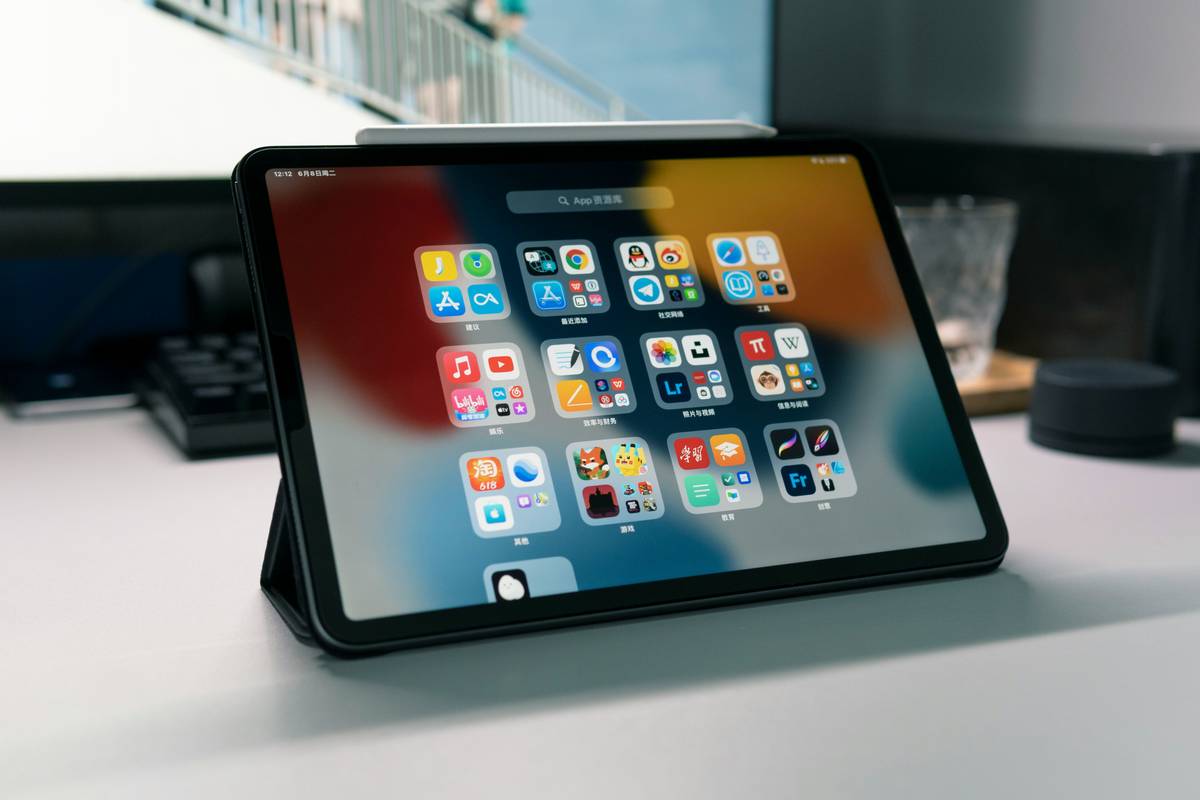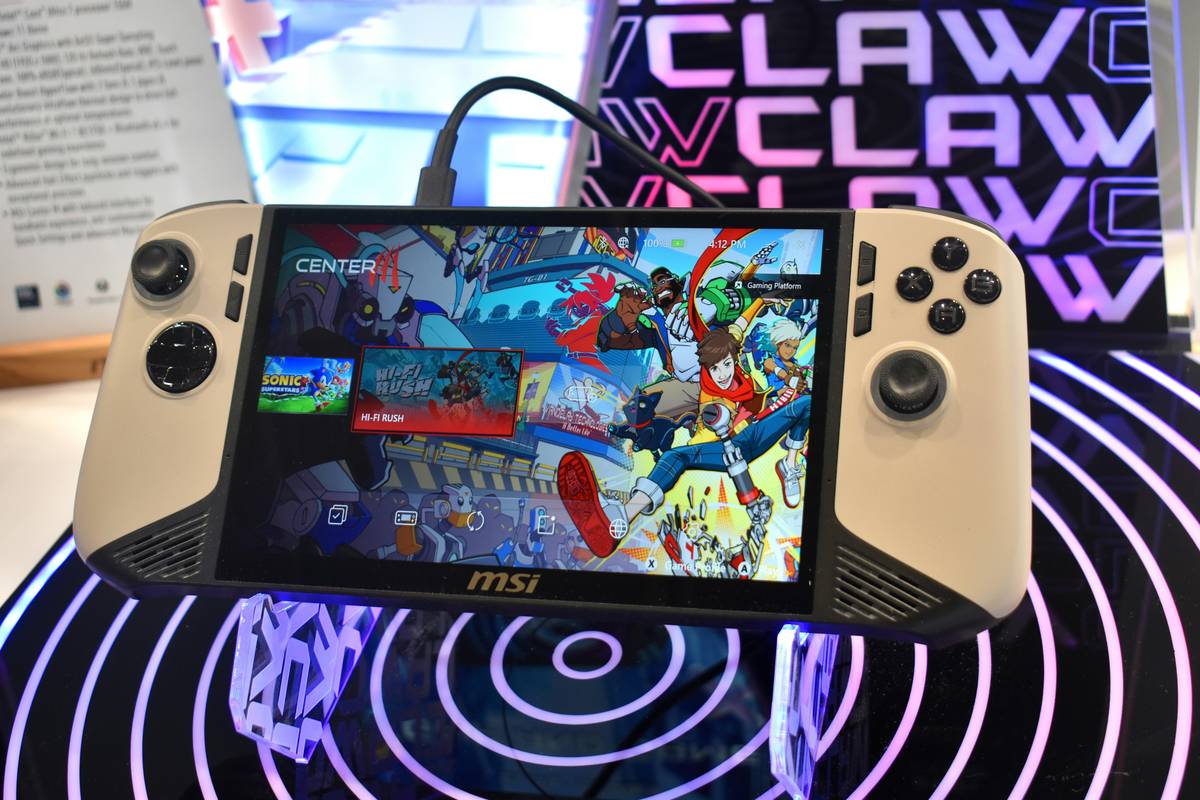
Most gaming tablets ship with touch-only controls—fine for casual play, but a death sentence in ranked matches. You’re swiping when you should be snapping off headshots. Fingers slip. Reactions lag. And your K/D ratio tanks. Enter the tablet with paddles: rear-mounted programmable triggers that restore console-grade precision to mobile hardware.
The Core Problem: Touch Controls Are Fundamentally Broken for FPS and MOBA
Mobile games keep getting more complex—but your input method hasn’t evolved since 2007. Virtual joysticks eat screen real estate. On-screen buttons lack tactile feedback. And worst of all? You can’t press three actions simultaneously without lifting a finger and breaking your aim.
And that’s not opinion—it’s biomechanics. Human thumbs fatigue faster on glass than on physical actuators. Pro players know this. That’s why they mod their tablets or switch to cloud-streaming setups with external controllers.
How to Add Paddle Controls to Your Tablet (Without Voiding Warranty)
You don’t need to wait for OEMs to catch up. Here’s how serious mobile gamers retrofit paddle support today:
Option 1: Clip-On Controller Sleeves
Devices like the Backbone One or Razer Kishi snap onto your tablet’s sides, adding analog sticks and shoulder buttons. But paddles? Rare. Only the latest Razer models offer rear paddles—and even then, only on select iPad sizes.
Option 2: Bluetooth Paddle Attachments
Standalone accessories like the GameSir X2 Pro include magnetic backplates with programmable paddles. They connect via Bluetooth HID protocol, so latency is under 15ms if your tablet supports Android 12+ or iPadOS 16.
Option 3: DIY Capacitive Trigger Mod
This is where things get spicy. Using conductive foam, microswitches, and 3D-printed brackets, hobbyists mount physical paddles that mimic finger touches on the screen bezel. It’s hacky—but zero input lag.
| Method | Avg. Latency | Cost | Paddle Customization |
|---|---|---|---|
| Clip-On Sleeve | 20–35ms | $80–$140 | Limited (vendor-defined) |
| Bluetooth Paddles | 10–15ms | $60–$100 | High (remap via app) |
| DIY Capacitive Mod | <5ms | $15–$30 | Total (hardware-level control) |
The Industry Secret: OEMs Already Have Paddle-Ready Tablets—They Just Don’t Market Them
Here’s what no spec sheet tells you: Samsung’s Galaxy Tab S9 Ultra has unused GPIO pins near the USB-C port that can power external paddle modules via custom firmware. Lenovo’s Legion Go firmware even includes hidden paddle-mapping routines—disabled by default but activatable through ADB commands. Why hide it? Because mass-market buyers don’t ask for it. But tournament players do. And they’ve been exploiting these backdoors for over a year.
Think about it. If Apple added MFi-certified paddles to the iPad Pro tomorrow, mobile esports would explode overnight. The tech exists. The demand is niche but intense. The silence? Strategic.
FAQ
Do all tablets support paddle controllers?
No. Only devices running Android 10+/iPadOS 15+ with full HID gamepad support can recognize external paddles reliably.
Can I use a tablet with paddles on iOS?
Yes—but only with MFi-certified accessories like the Backbone One (with paddle add-on) or specific Razer models. Jailbreaking voids warranty and isn’t necessary.
Are built-in paddles better than clip-on ones?
Built-in paddles offer lower latency and seamless ergonomics—but no major brand sells a true tablet with paddles yet. Everything is attachable—for now.